BACKEND INTEGRATIONS
The template ships with a fully self-contained dummy data layer so every screen works out of the box — no server required. Every repository sits behind a Dart abstract interface class, which means switching from local fixtures to a live HTTP API requires zero changes to UI code.
1. Setting the API Base URL
All network constants live in one place, Open file: lib/constants/app_config.dart. And set apiBaseUrl to point at your backend.
// lib/constants/app_config.dart
abstract class AppConfig {
// ── Replace with your server's base URL ────────────────────
static const String apiBaseUrl = 'https://api.yourstore.com/v1';

// Network timeouts (milliseconds)
static const int connectTimeout = 10000;
static const int receiveTimeout = 15000;
}
2. Understanding the Dummy Data Layer
Every feature repository has a corresponding dummy implementation that returns in-memory Dart objects with a simulated 300 ms delay. This is what runs when you first clone the template.
// lib/data/interfaces/product_repository.dart
abstract interface class ProductRepository {
  Future<List<Product>> getProducts({
    String? category,
    int page  = 1,
    int limit = 20,
  });
  Future<Product>  getProductById(String id);
  Future<List<Product>> searchProducts(String query);
}
 // lib/data/repositories/dummy_product_repository.dart
class DummyProductRepository implements ProductRepository {
  final _items = DummyData.products;   // static list — no network

  @override
  Future<List<Product>> getProducts({
    String? category, int page = 1, int limit = 20,
  }) async {
    await Future.delayed(const Duration(milliseconds: 300));
    return category == null
        ? _items
        : _items.where((p) => p.category == category).toList();
  }
  // … other methods similarly
}
3. Replacing with a Real API
Create a new class in lib/data/repositories/ that implements the same interface, but calls your HTTP API via Dio.
Write the remote repository
// lib/data/repositories/remote_product_repository.dart
class RemoteProductRepository implements ProductRepository {
  const RemoteProductRepository(this._dio);
  final Dio _dio;

  @override
  Future<List<Product>> getProducts({
    String? category,
    int page  = 1,
    int limit = 20,
  }) async {
    try {
      final res = await _dio.get<Map<String, dynamic>>(
        '/products',
        queryParameters: {
          if (category != null) 'category': category,
          'page': page,
          'limit': limit,
        },
      );
      final data = res.data!['data'] as List;
      return data
          .cast<Map<String, dynamic>>()
          .map(Product.fromJson)
          .toList();
    } on DioException catch (e) {
      throw ApiException.fromDio(e);  // map to domain error
    }
  }

  @override
  Future<Product> getProductById(String id) async {
    final res = await _dio.get<Map<String, dynamic>>('/products/$id');
    return Product.fromJson(res.data!);
  }

  @override
  Future<List<Product>> searchProducts(String query) async {
    final res = await _dio.get<Map<String, dynamic>>(
      '/products/search',
      queryParameters: {'q': query},
    );
    final data = res.data!['data'] as List;
    return data.cast<Map<String, dynamic>>().map(Product.fromJson).toList();
  }
}
4. Models & Serialisation
Each model in
lib/models/ has a
fromJson factory and a
toJson method. Adjust the JSON keys to match whatever your API returns.
// lib/models/product.dart
class Product {
  const Product({
    required this.id,
    required this.name,
    required this.price,
    required this.imageUrl,
    required this.category,
  });

  final String id;
  final String name;
  final double price;
  final String imageUrl;
  final String category;

  // ── Adjust keys to match your API's JSON schema ────────────
  factory Product.fromJson(Map<String, dynamic> j) => Product(
    id:       j['id']         as String,
    name:     j['name']       as String,
    price:    (j['price']    as num).toDouble(),
    imageUrl: j['image_url']  as String,   // snake_case API
    category: j['category']   as String,
  );

  Map<String, dynamic> toJson() => {
    'id':        id,
    'name':      name,
    'price':     price,
    'image_url': imageUrl,
    'category':  category,
  };
}
5. Authentication Overview
The template uses a standard JWT access/refresh token flow. The AuthRepository interface defines every auth operation; the dummy implementation accepts any credentials and returns a fake token.
| Method |
Endpoint (example) |
Returns |
login(email, password) |
POST /auth/login |
access token + refresh token |
register(name, email, pass) |
POST /auth/register |
user object + tokens |
refreshToken(token) |
POST /auth/refresh |
new access token |
logout() |
POST /auth/logout |
void — clears local tokens |
getMe() |
GET /auth/me |
current user object |
6. Implementing Real Authentication
-
Step 1 — Remote auth repository
In lib/data/repositories/remote_auth_repository.dart Please adjust your login and logout endpoint path
// lib/data/repositories/remote_auth_repository.dart
class RemoteAuthRepository implements AuthRepository {
  RemoteAuthRepository(this._dio, this._storage);

  ...

  /* Change your login endpoint path */
  final String loginEndPoint = '/auth/login';
  final String logoutEndPoint = '/auth/logout';

  ...
}
-
Step 2 — Auth interceptor (auto-attach + refresh)
In lib/network/auth_interceptor.dart Please change your refresh endpoint path
// lib/network/auth_interceptor.dart
class AuthInterceptor extends Interceptor {
  ...

  /* Change your refresh endpoint path */
  final String refreshEndPoint = '/auth/refresh';

  Future<bool> _tryRefresh() async {
    final rt = await _storage.getRefreshToken();
    if (rt == null) return false;
    try {
      final res = await _dio.post<Map<String, dynamic>>(
        refreshEndPoint,
        data: {'refresh_token': rt},
      );
      await _storage.saveAccessToken(
        res.data!['access_token'] as String,
      );
      return true;
    } catch (_) {
      await _storage.clearTokens(); // force re-login
      return false;
    }
  }
}
-
Step 3 — User Model
Open lib/models/user.dart and adjust User attribute model
class User {
  /// User model representing a user in the application.
  /// Please change the fields as needed to fit your application's requirements.
  final String id;
  final String name;
  final String username;
  final String title;
  final String avatar;
  final String dateOfBirth;
  final String phone;
  final String email;
  final String country;
  final String currency;
  final String currencySymbol;
  final bool isFavorited;

  User({
    required this.id,
    required this.name,
    this.username = '',
    required this.title,
    required this.avatar,
    required this.dateOfBirth,
    required this.phone,
    required this.email,
    required this.country,
    this.currency = 'USD',
    this.currencySymbol = '\$',
    this.isFavorited = false,
  });

  ...
}
Next, call it from widget. You can check the example implementation code in:
- Login: lib/widgets/user/login_form.dart
- Logout: lib/widgets/settings/setting_list.dart
7. Secure Token Storage
Auth tokens must never be stored in SharedPreferences — it writes plain text to disk and is trivially readable on rooted/jailbroken devices. flutter_secure_storage writes to the iOS Keychain and the Android Keystore-backed EncryptedSharedPreferences instead.
-
Add the dependency
dependencies:
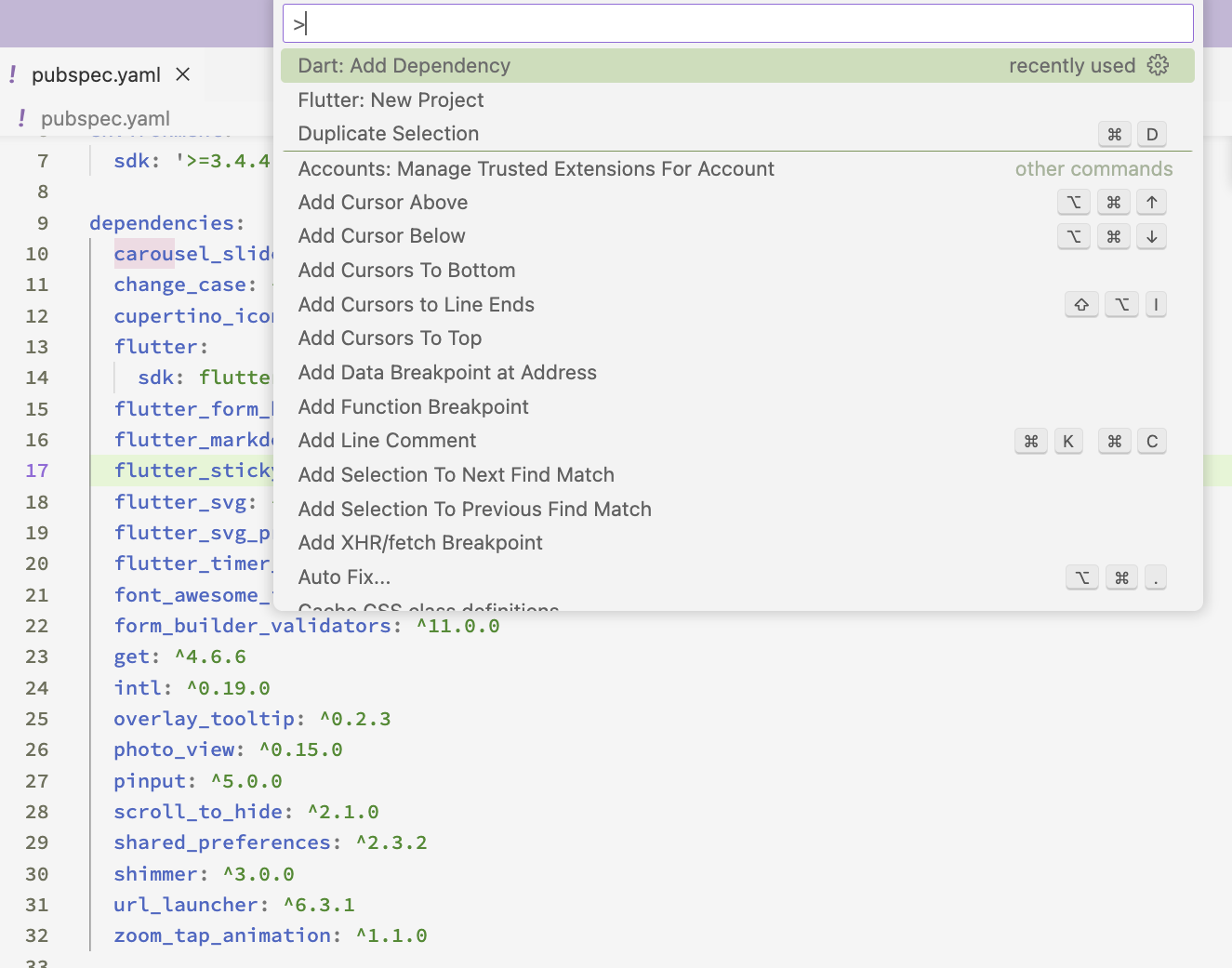
    flutter_secure_storage: ^9.2.2
-
Platform prerequisites
-
Android — set minSdkVersion 18 in
android/app/build.gradle. This is already satisfied
if you target a modern API level.
-
iOS — no extra steps. If you need tokens
accessible across app extensions, enable Keychain Sharing in
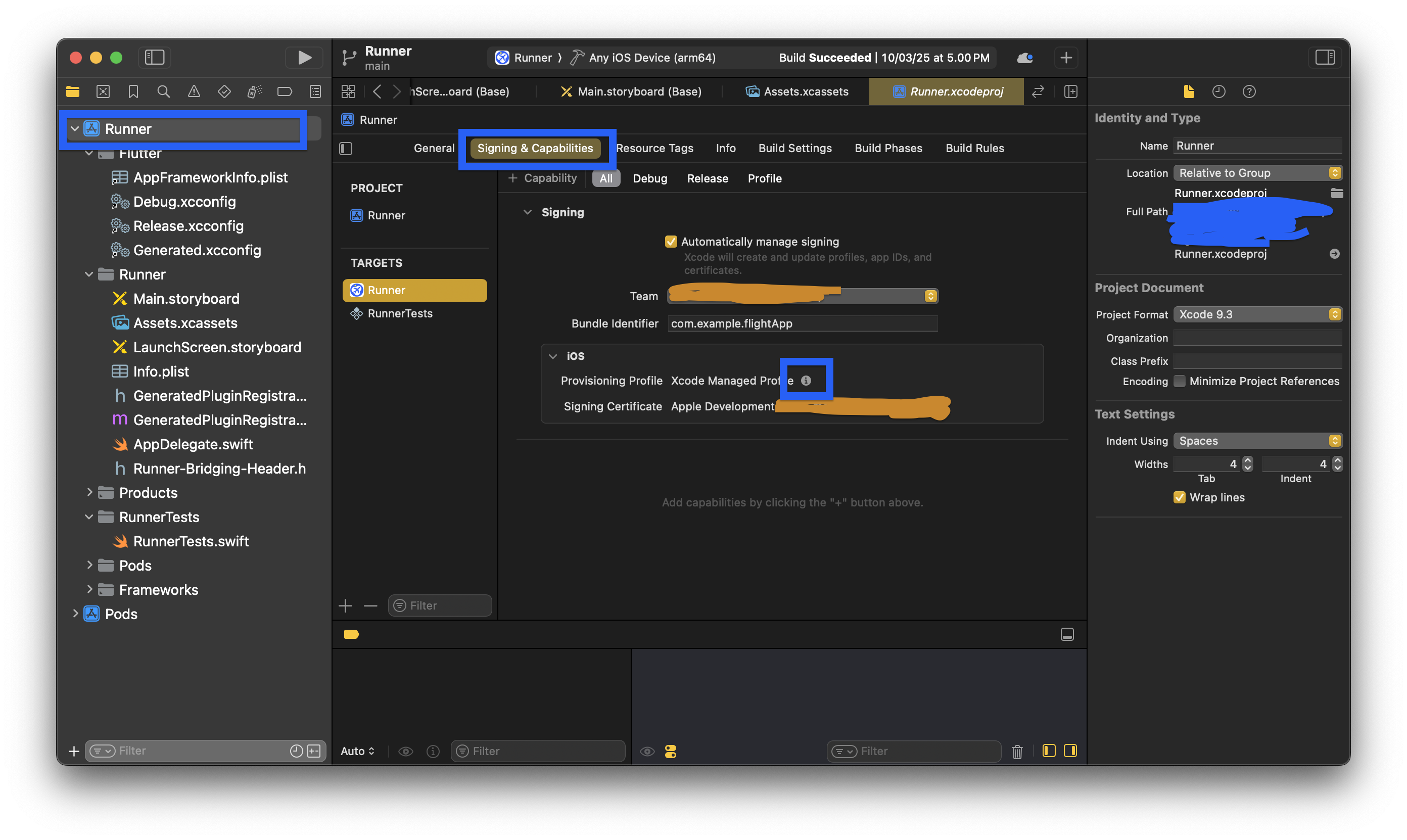
Xcode → Signing & Capabilities.
-
Web — storage falls back to
localStorage (not secure). For web targets, consider
HttpOnly cookies set by the server instead.
-
SecureStorage wrapper class
// lib/storage/secure_storage.dart
class SecureStorage {
  const SecureStorage(this._store);
  final FlutterSecureStorage _store;

  // ── Key constants ──────────────────────────────────────────
  static const _kAccess  = 'access_token';
  static const _kRefresh = 'refresh_token';

  // ── Writes ─────────────────────────────────────────────────
  Future<void> saveTokens({
    required String accessToken,
    required String refreshToken,
  }) =>
    Future.wait([
      _store.write(key: _kAccess,  value: accessToken),
      _store.write(key: _kRefresh, value: refreshToken),
    ]);

  Future<void> saveAccessToken(String t) =>
      _store.write(key: _kAccess, value: t);

  // ── Reads ──────────────────────────────────────────────────
  Future<String?> getAccessToken()  => _store.read(key: _kAccess);
  Future<String?> getRefreshToken() => _store.read(key: _kRefresh);

  // ── Wipe (always call on logout) ───────────────────────────
  Future<void> clearTokens() => _store.deleteAll();
}
-
Security recommendations
| Recommendation |
Priority |
Notes |
| Use short-lived access tokens (≤ 15 min) |
Critical |
Limits blast radius if a token is intercepted |
| Rotate refresh tokens on every use |
High |
Server issues a new refresh token each time, invalidating the old one |
Always call clearTokens() on logout |
High |
Wipe keychain even when the server logout call fails |
Set synchronizable: false (iOS) |
High |
Prevents keychain items syncing to iCloud where they could be accessed from other devices |
Enable encryptedSharedPreferences (Android) |
High |
Wraps storage in AES-256 backed by Android Keystore |
| Enable certificate pinning in production |
Medium |
Use dio_certificate_pinning or native TrustKit / Network Security Config |
| Gate sensitive screens with biometrics |
Medium |
Use local_auth before displaying payment, orders, or profile data |
Remove LoggingInterceptor in release builds |
Medium |
Guard with kReleaseMode to avoid logging tokens to console |
| Enforce HTTPS in release — no plain HTTP |
Low |
Android disallows cleartext traffic by default; verify network_security_config.xml |